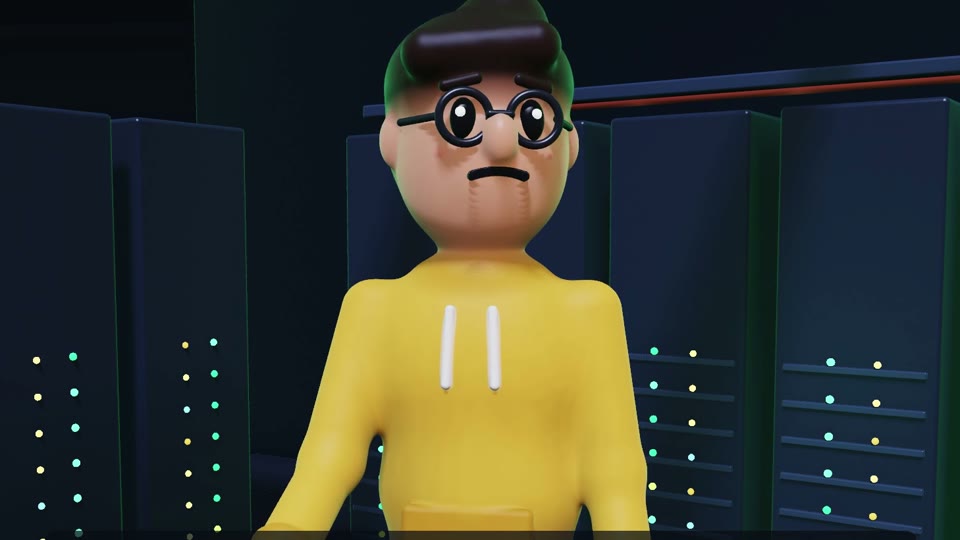
Juno
junoBackend developer in a mustard hoodie and round glasses. Dry, patient until 2 AM. Walks, sits, types, waves, facepalms and celebrates.
Voice: Luna
Free. No sign-up. Nothing to install.
Characters, voices, music and camera moves from a few lines of text. Your own computer draws every frame, right here in the browser, and hands you a Full HD MP4.
How it works
Paste a plain conversation ("Developer: Why is my bill so high?") and the studio stages it for you. Or write a full script with gestures, sounds and camera moves, or start from an example.
The checker reads every line before anything renders and points at problems: an unknown gesture, a face out of frame, text too close to the edge.
Voices are made in your browser, the scene is timed to them, and your graphics chip draws every frame. Music and effects are mixed in.
Watch it right on the page, then save a standard H.264 video with AAC audio, ready for YouTube, Shorts or a slide deck.
# Coffee Break
format: landscape-1080p
music: procedural:light-comedy

## SCENE server-room: Coffee break
camera: wide on juno, cloud, push-in 0.12
cast: juno @0.1,0.6 facing 20; cloud @1.2,0.5 facing juno
ambience: server-hum
[juno looks around for 1.2]
[pause 1.2]
JUNO (worried): Did you just switch off production?
[camera: close-up on cloud from -30]
CLOUD (cheerful, shrugs): It looked tired.
[cut to medium on juno from 10]
[juno facepalms] [sfx: boing]
[pause 1.4]
[fade out 0.6]
Script in, video out
No timeline, no keyframes. The script says what happens; the studio works out the timing, walks, gestures, lip sync, lighting and camera framing, the same way every time.
This exact script, rendered in a browser tab with the built-in voices.
Features
Everything a short animated video needs, from voices to the final file, without leaving the page.
Your graphics chip draws every frame and your browser makes the video file. No render farm, no queue, no upload.
Eight built-in voices run on your machine. They download once (about 31 MB) and load in about a second after that.
Characters are built from maths, not generated pictures, so they look the same in every shot and every episode.
Ask for a wide, medium or close-up shot. The studio keeps faces in frame and the camera out of walls and furniture.
Background music and effects are generated to length. The music dips under dialogue and the mix is levelled for YouTube.
Unknown gestures, faces cut off, text outside the safe area: the checker flags them with the line number.
One switch for snappy cuts: tighter gaps, quicker voices and an automatic cut to whoever is speaking.
One line in the script picks the shape: landscape for YouTube, vertical for Shorts and Reels, square for feeds.
Showcase
Every frame, voice line, cut and sound in these videos came from a plain-text script. Turn the sound on.
61 s · 16:9 · three scenes
A two-in-the-morning cloud bill, a walk through the server room and a calm fix. Made from one script with the full studio pipeline.
16 s · 9:16 · vertical short
Juno and the Zopdev mascot in a vertical short for Reels and Shorts, with close-ups framed for a phone screen.
Cast and sets
Write their names in the script and they show up. Each comes with gestures, expressions and a voice.
junoBackend developer in a mustard hoodie and round glasses. Dry, patient until 2 AM. Walks, sits, types, waves, facepalms and celebrates.
Voice: Luna
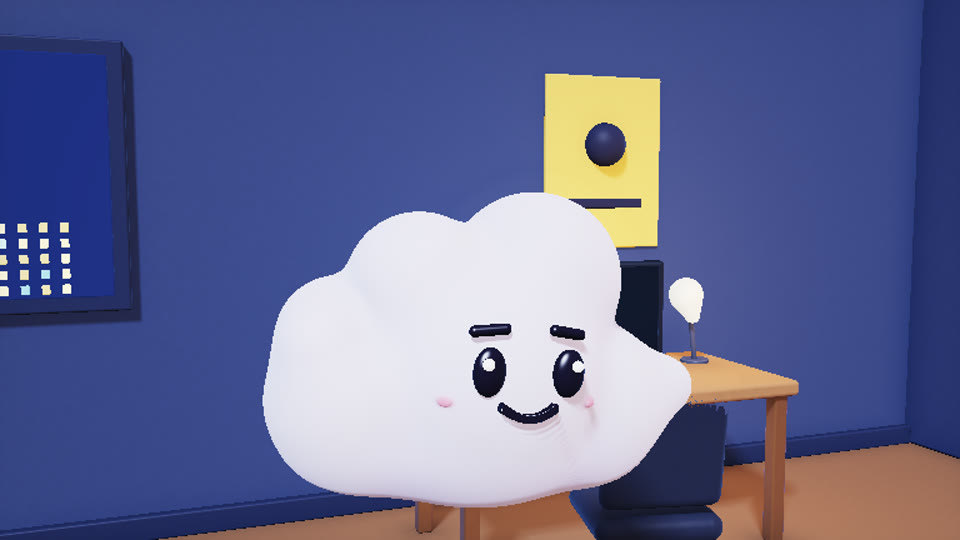
cloudA soft, cheerful cloud with stubby arms who takes every configuration literally. Floats, waves, shrugs, bounces and yawns.
Voice: Leo
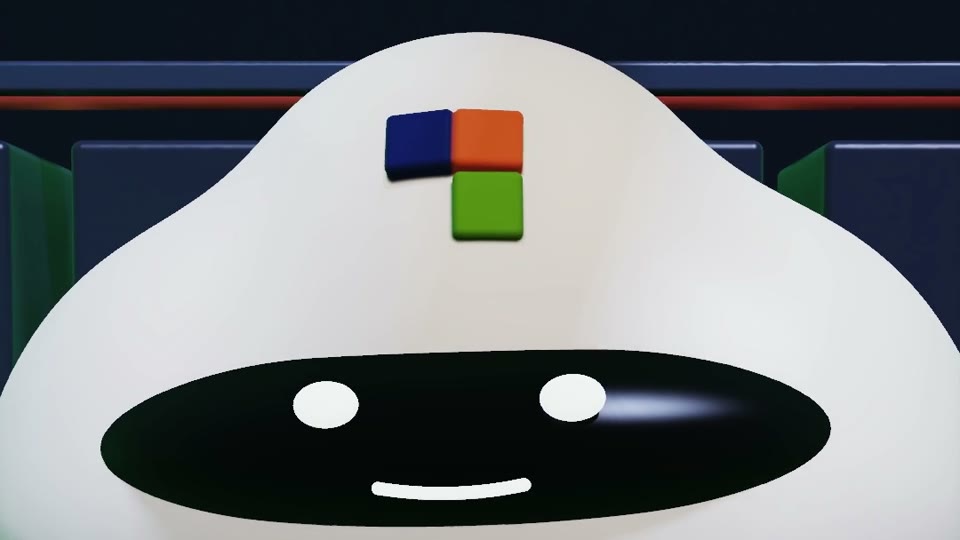
zopdevA calm cloud with a glowing visor and the Zopdev mark on its forehead. Floats instead of walking; bounces, spins, nods and yawns.
Voice: Bruno
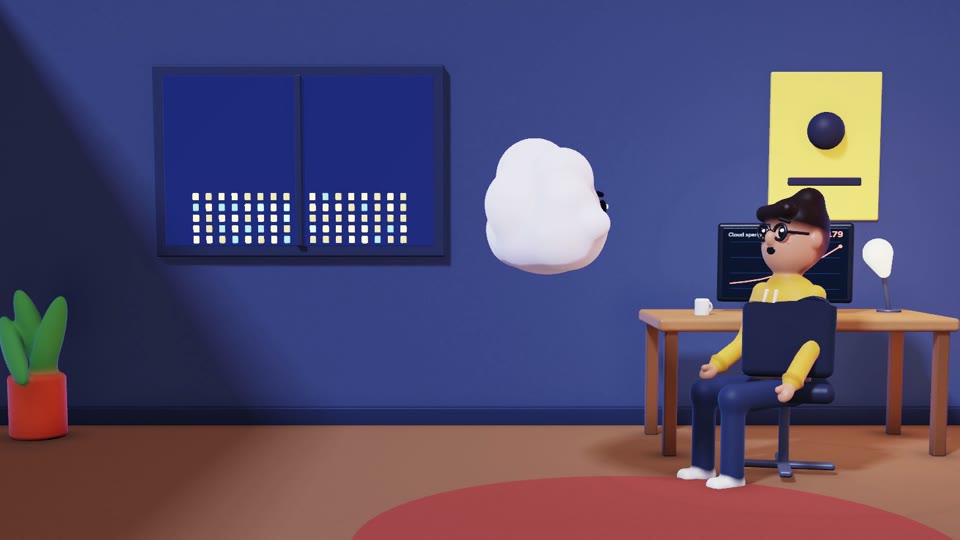
officeDesk, chair, monitor and plant. Day or night lighting.
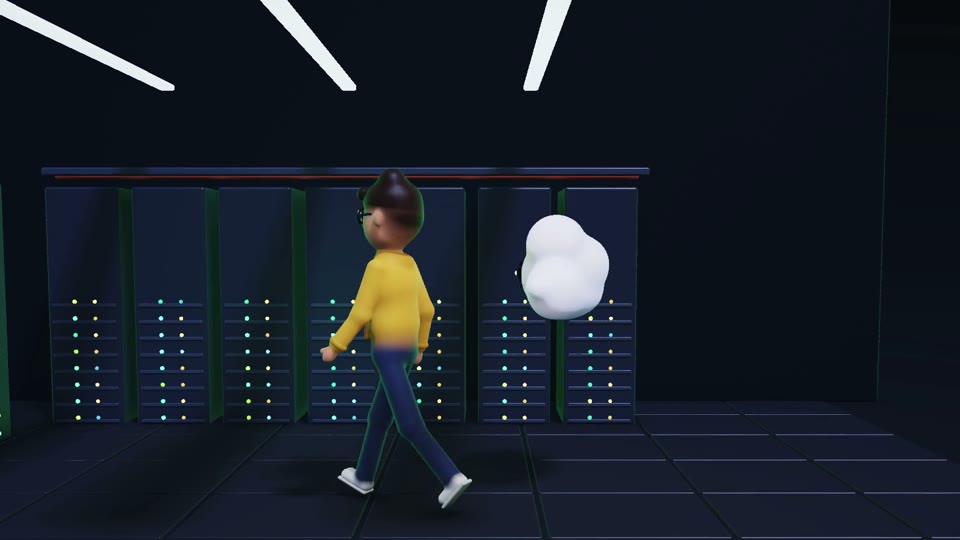
server-roomRacks of blinking servers under cold strip lights.
Start from an example
Each example opens in the studio ready to render. Edit anything: the words, the moves, the camera.
Two scenes, a late-night developer and a very literal cloud. About 15 seconds.
JUNO (tired): Why is the cloud bill still going up?
CLOUD (cheerful, waves): Everything is running exactly as configured!
CLOUD (excited, bounces): All awake. All billing. All night.
Open in the studio16:9
One scene, one joke, three camera angles. About 9 seconds.
JUNO (worried): Did you just switch off production?
CLOUD (cheerful, shrugs): It looked tired.
Open in the studio9:16
A vertical short for Reels, Shorts and TikTok. About 10 seconds.
JUNO (worried): Should I deploy before the weekend?
ZOPDEV (neutral, shakes head): No.
JUNO (happy, celebrates): Weekend it is.
Open in the studio
FAQ
The short version: it is free, it runs on your computer, and nothing leaves your browser.
No. Open the studio in Chrome or Edge on a laptop or desktop, write a script and press Render. There is no account and nothing to install.
No. The script, the voices and every frame are made inside your browser tab. The finished video stays in the tab until you download it.
It depends on your graphics chip. On an Apple M4 laptop a nine-second Full HD video takes about 25 seconds on a first visit, voice download included. Older laptops with basic graphics can be 5 to 20 times slower. Quick quality renders at half size and is much faster.
The built-in voices download once, about 31 MB. Your browser keeps them, so later visits are ready in about a second.
Chrome and Edge are tested. Safari and Firefox can draw the frames, but their video encoders vary, so the page tells you if yours cannot save an MP4. The page needs HTTPS, which any normal hosting provides.
The render stops. A finished video that you did not download is gone too, so save it before you leave the page.
Not in the web version yet. It comes with Juno, Cloud, the Zopdev mascot, an office and a server room. You control everything they do from the script.
Open the studio, keep the example or write your own, and press Render.